
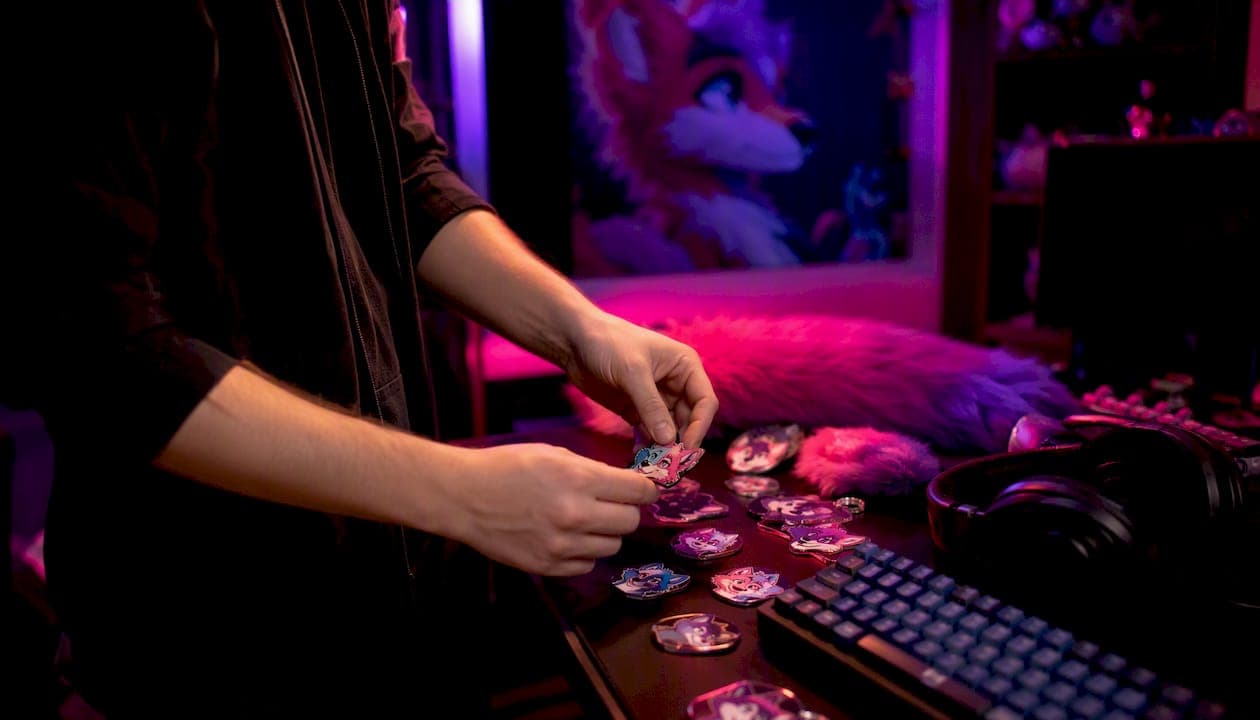
Find the official Mello Zone invite at mellozone.site, accept it, read the Community Manifesto, and confirm your acceptance — that's all it takes to start participating in one of the most welcoming 18+ furry communities on Discord.
Here's your instant checklist:
- Find the official invite at mellozone.site or the Discord community listing
- Accept the invite and land in the server
- Read the rules and Community Manifesto in the designated channel
- Confirm acceptance by reacting or completing the role-verification step
- Note the 18+ requirement — age assurance may be required per Discord's age-restricted server guidance
Table of Contents
- How do you find and join the official Mello Zone Discord?
- What do Mello Zone roles and channels actually mean?
- How do you join voice chats, events, and VRChat meetups?
- How do you share art and creative content in Mello Zone?
- How does moderation work, and how do you report a problem?
- What habits help new members build real belonging?
- How do you fix common onboarding problems fast?
- Key Takeaways
- Why the "read the rules" step matters more than you think
- Ready to join the Mello Zone Furry Community?
- Useful sources
- FAQ
How do you find and join the official Mello Zone Discord?
The only trustworthy starting point is mellozone.site. Third-party invite links circulate on social media and can be expired or unofficial, so always go to the source.
- Visit mellozone.site — and locate the Discord invite button on the landing page.
Discord's server/channel architecture makes it especially well-suited to creative, real-time communities like Mello Zone, where art drops, VRChat meetups, and gaming nights happen across dedicated spaces rather than one noisy feed.
Pro Tip: Before accepting any invite, check that the server name and icon match what you see on mellozone.site. Unofficial clones occasionally use similar names.
Visit the verification page if you get stuck after accepting the invite — it walks through every step of the age-assertion process.
What do Mello Zone roles and channels actually mean?
Roles in Mello Zone are not just cosmetic labels. They control which channels you can read and post in, so understanding them early saves a lot of confusion.
Common role types:
- Artist/Creator — assigned after applying through the creator application; grants access to critique channels and creator showcases
| Channel Type | Where to Post | Who Can Access |
|---|---|---|
| #introductions | Your first hello, fursona info, interests | All verified members |
| #art-sharing (SFW) | Original SFW artwork, WIPs, commissions | All verified members |
| #art-critique | Feedback requests with context | All verified members |
| #vrchat-meetups | VRChat event plans, world links | All verified members |
| #voice-hangouts | Text companion to voice channels | All verified members |
| NSFW channels | Adult content (tagged correctly) | Age-verified 18+ only |
| #events-calendar | RSVP reactions, event announcements | All verified members |
For pinned resources, check the top of each channel — the Community Manifesto and events calendar are pinned in their respective channels. Ping a moderator only through the designated help channel, not in general chat.
How do you join voice chats, events, and VRChat meetups?
Mello Zone runs gaming nights, listening parties, and VRChat meetups on a regular schedule. Getting into them is straightforward once you know the flow.
- React with the RSVP emoji — on the event announcement to receive a discord event reminder when the session goes live.
- For VRChat meetups, confirm your platform setup in advance via the platforms page and have your avatar ready before the session starts.
Pro Tip: Set your Discord notification settings to "Only @mentions" for most channels, then turn on full notifications for #events-calendar so you never miss an RSVP window.
Consent and identity boundaries matter in live voice and VR sessions. Never screenshot or record other members without explicit permission, and respect avatar identity choices — someone's VR persona is as personal as a fursona.
How do you share art and creative content in Mello Zone?
Mello Zone is built for creators, and the art-sharing channels are among the most active spaces on the server. Posting correctly from day one keeps your work visible and the community comfortable.
Dos and don'ts:
- Don't use the art channels for commission advertising without checking the Creator Guidelines first
For file specs, PNG and JPEG are the most reliable formats. Keep individual uploads under Discord's standard file size limit (currently 10 MB for standard accounts, 500 MB for Nitro). If your file is larger, link to an external host like Furaffinity or a personal gallery.
Pro Tip: Lurk the art channels for a few days before your first post. Notice how members tag content, what feedback looks like, and which posts get the most engagement — then model your first share on what works in that specific community.
Creators who want a verified role can apply through the creator application after establishing a posting history.
How does moderation work, and how do you report a problem?
Mello Zone uses a tiered moderation model: volunteer moderators handle initial triage, senior moderators review escalations, and the server owner steps in for the most serious cases. Enforcement follows a clear progression: warning, temporary suspension, then permanent ban for repeat or severe violations.
Practical moderator toolkit guidance recommends acknowledging reports within 6 hours and resolving most cases within 48–72 hours.
To file a report:
- Go to the designated help or report channel (pinned in the server).
- Include: the username of the person involved, a brief description of the issue, and a screenshot or message link if possible.
- Do not post the report in general chat — use the private report channel only.
- Wait for a moderator acknowledgment. If you need urgent help, ping the @Moderators role once.
For age-assurance issues or verification problems, the Discord Help Center covers the appeals process in detail.
What habits help new members build real belonging?
The members who feel most at home in Mello Zone within their first month share one trait: they show up regularly and contribute honestly rather than trying to make a big splash immediately. Research on online community participation consistently supports this — steady, sincere engagement builds belonging faster than grand gestures.
Low-friction first contributions:
- Post a short introduction in #introductions (fursona name, interests, what brought you here)
- Drop one piece of art or a WIP in the appropriate channel
- Leave a thoughtful comment on someone else's post before sharing your own work
- React to event announcements even if you can't attend — it signals presence
Pro Tip: Routine small contributions — a comment, a WIP share, a helpful answer — increase your visibility in the community more reliably than posting one elaborate piece and going quiet.
Art community best practices also recommend lurking with purpose before your first interaction: read pinned posts, observe the tone, and let the community's rhythm inform how you show up.
How do you fix common onboarding problems fast?
| Problem | Quick Fix |
|---|---|
| Invite expired | Get a fresh link from mellozone.site |
| Stuck on verification | Follow the steps at the verification page |
| No roles assigned after reading rules | Ping @Moderators in the help channel |
| DMs blocked from server | Enable "Allow DMs from server members" in Privacy Settings |
| Age assurance loop | Follow the Discord Help Center appeals path |
When a quick fix doesn't resolve the issue, open a support ticket through Ask Mello Zone rather than pinging moderators repeatedly in chat. The ticket system creates a record and gets routed to the right person faster.
For adult-space navigation issues — including NSFW access problems or consent concerns — the adult furry community guide covers staged first interactions and anonymity choices that apply directly to Mello Zone's 18+ spaces.
Key Takeaways
Joining Mello Zone requires four non-negotiable steps: find the official invite, verify your age, read the Community Manifesto, and confirm acceptance before posting anything.
| Point | Details |
|---|---|
| Find the official invite | Always start at mellozone.site — third-party links may be expired or unofficial. |
| Read the manifesto first | Base roles are gated behind manifesto confirmation; skipping it locks you out of channels. |
| Verify your age | Mello Zone is 18+ and Discord may require age assurance before granting full access. |
| Post your introduction | A short intro in #introductions is the single best first contribution for new members. |
| Mello Zone Furry Community | Free to join with art sharing, VRChat meetups, gaming nights, and active moderation. |
Why the "read the rules" step matters more than you think
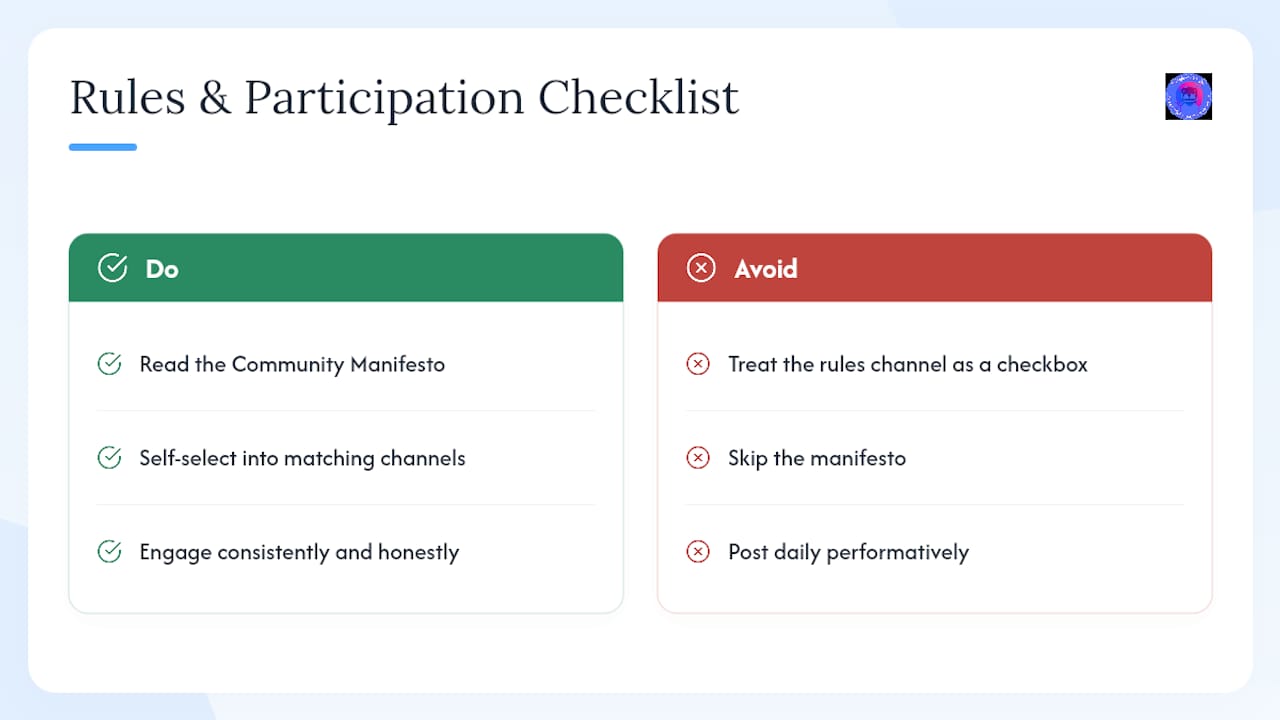
Most people treat the rules channel as a checkbox. That's the wrong frame. In a community like Mello Zone, the Community Manifesto is the social contract — it tells you not just what's prohibited, but what the community actually values. Members who read it carefully arrive with a clearer sense of where they fit, which channels suit their interests, and how to engage without stepping on anyone.
The creative community research is clear: Discord works best for real-time, creative social communities precisely because its channel architecture lets members self-select into the spaces that match them. Mello Zone's manifesto is the map for that self-selection. Skipping it doesn't just risk a rule violation — it means arriving without a compass.
Consistent, honest participation matters more than frequency. Showing up twice a week with genuine engagement beats daily posting that's performative. The community participation research frames it well: belonging is built through sincerity, not volume.
Ready to join the Mello Zone Furry Community?
Mello Zone Furry Community gives adult furries, artists, gamers, and VRChat enthusiasts a moderated, low-drama space that most online communities don't offer: clear rules, active staff, and dedicated channels for art, events, and VR meetups — all free to access.
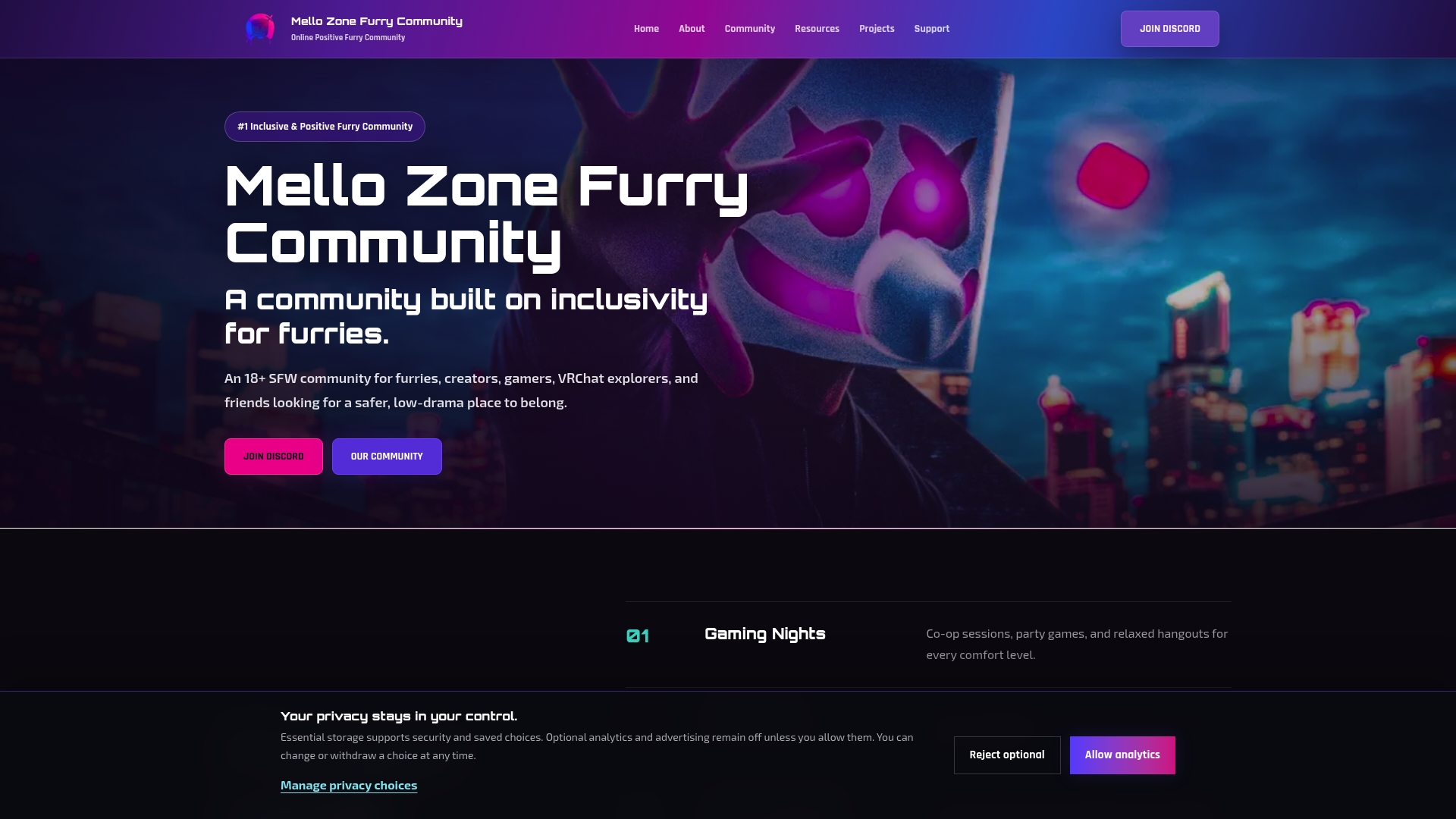
Visit mellozone.site to grab the official invite. Before you join, bookmark the Community Manifesto and the Creator Guidelines — both are short reads that make your first week significantly smoother. Access is free, with optional donations available for members who want to support the community.
Useful sources
- Discord • mellozonefurrycommunity
- What are Age-Restricted Servers on Discord
- How to be a good member of an online community — Edokwin
- Creative Business Communities — WealthyCreative
- Moderator toolkit for healthy creative communities (Rhyme)
- The Rise of Collaborative Art Communities Online - lwmfcrafts.com.co
- Navigating the Sexy Furry Online Community
FAQ
How do I get the official Mello Zone Discord invite?
Go to mellozone.site and click the Discord invite button. The official listing is also available at discord.me/mellozonefurrycommunity.
Is Mello Zone free to join?
Yes — membership is free. Optional donations are available for members who want to support the community financially.
What happens if my invite link is expired?
Visit mellozone.site for a current invite link. Expired links are the most common onboarding issue and are always resolved by going back to the official site.
Do I need to verify my age to access all channels?
Yes. Mello Zone is an 18+ server, and Discord may require age assurance before granting access to age-restricted channels, as outlined in Discord's Help Center guidance.
Where do I post my first piece of art?
Post SFW work in the #art-sharing channel and NSFW work in the designated age-gated channel. Review the Creator Guidelines before your first upload to confirm tagging and credit requirements.